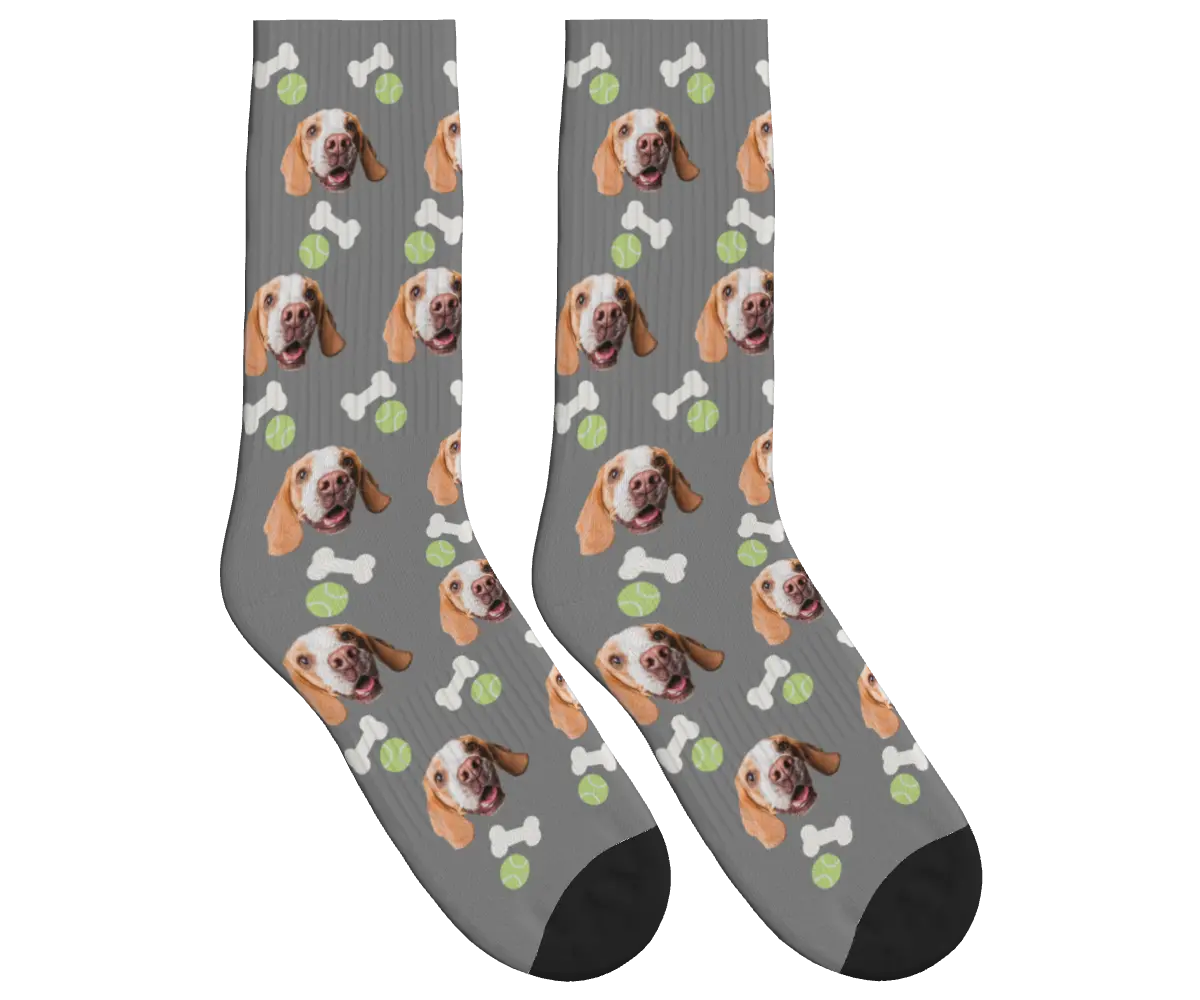

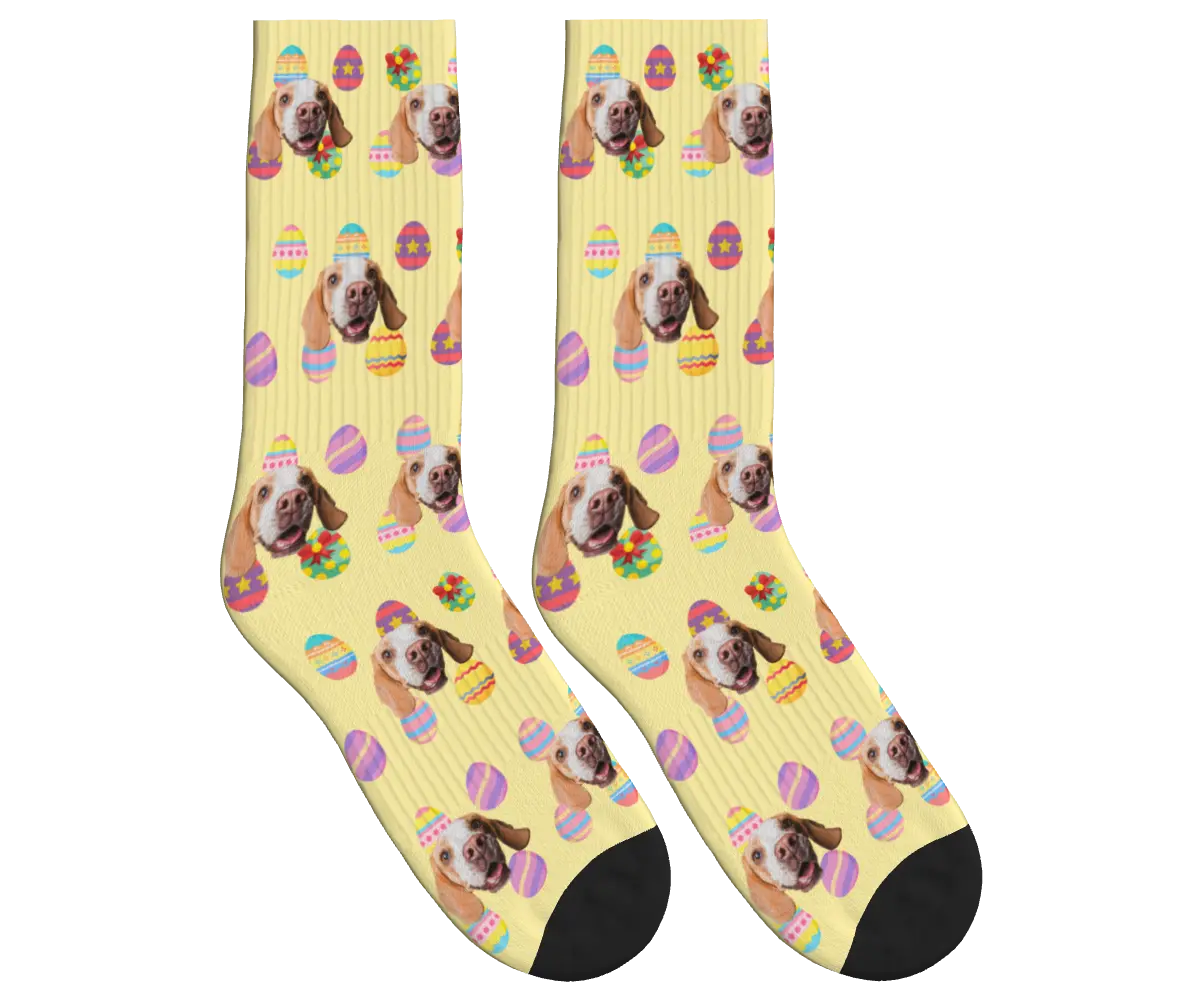


You have a great photo of your dog and a favorite photo of yourself. Together, they can tell a small story about your life as a pair: the hiking companion and the person holding the leash, or the couch regulars who never miss a quiet evening. Choosing those two pictures takes a little more thought than selecting one face on its own.
Start with a design made for both of you
WoofSocks' Dog & Owner Face Socks features a person and their dog in the same design, with paw prints and bones around the portraits. Start with that product rather than assuming every dog-face design accepts a human portrait too. Read the options on the product page before choosing your pictures.
Choose the mood before choosing the files
Decide what you want the pair to feel like. A relaxed smile beside a calm dog portrait makes a different impression from a laughing face beside a dog's open-mouthed expression. Neither needs to be formal. Familiar expressions are often more personal than a pose you would never normally make.
Try comparing two or three combinations side by side on your phone. Ask which one feels most like the relationship, rather than which individual photo is the most flattering. If the socks are a gift, choose a human portrait the recipient would be comfortable having printed.
You do not need to force a shared selfie
A single photo of you together can be lovely, but it is not worth sacrificing a clear face to get everyone into one frame. A wide-angle selfie may leave one person sharp and the dog tiny or partly hidden. If you have separate originals with clearer portraits, keep those ready and follow the product's upload instructions.
Avoid making a collage just to squeeze both files into one image. A collage can reduce the detail available for each face. If the available upload fields do not make it clear how to submit both portraits, check with the store before placing the order.
Look for a similar visual balance
The photos do not have to come from the same day. It helps, though, if they have a similar feel. A softly lit human portrait can look more consistent beside a softly lit dog portrait than beside an image with a strong orange filter. Keep the originals, and avoid adding filters simply to make the pictures match.
Compare the direction of the faces as well. Two fairly front-facing portraits can make a straightforward pair. A strong side profile next to a straight-on portrait creates a different balance. Treat this as a choice about the look you prefer, not a rule that every photo must follow.
Keep the shared memory in the gift note
A portrait pattern cannot carry every detail of a favorite day. If the pictures remind you of a first camping trip or a daily morning walk, explain that in a short card alongside the socks. The story adds context without asking the printed design to include dates, captions, or extra elements that the product may not offer.
For a surprise gift, use a photo you have permission to use. Avoid downloading a small profile thumbnail when you can ask for an original photo through a family member or choose one already shared with you for personal use.
Make one final comparison
Before ordering, check the two source files together: are both faces recognizable, is neither partly hidden, and does the combination still feel right at a smaller size? For a closer look at sharpness and framing, read our photo guide.
Then return to Dog & Owner Face Socks with Paws & Bones to review the available choices. The best starting point is a pair of portraits you enjoy looking at together. They do not need to be a perfectly coordinated photo shoot to feel personal.